Gimble Gaming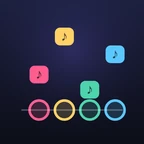
How to play
- Choose a Song, Instrument, Difficulty and number of Lanes, then tap Play.
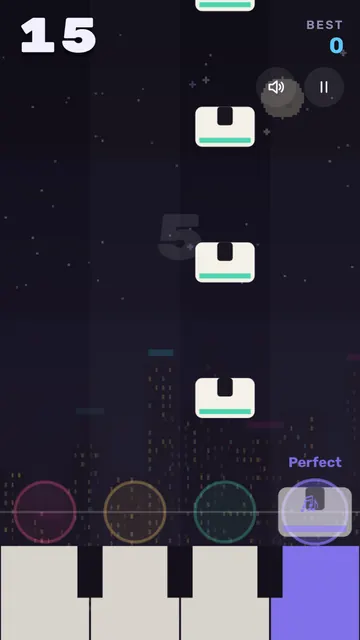
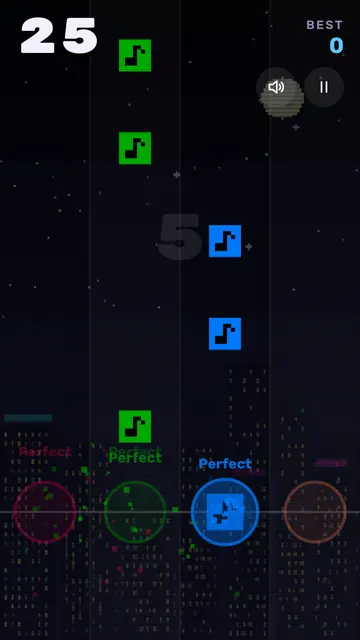
- Tap a lane just as its note reaches the circle.
- The song loops and speeds up as you go, until you let a note slip past.
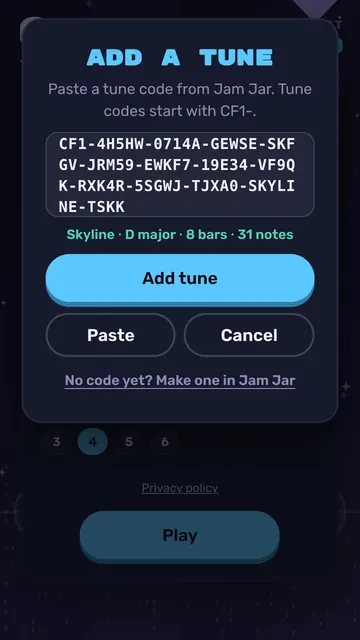
- Add your own tunes under My tunes with + Add a tune, or make one in Jam Jar.
Controls
- Touch
- Tap a lane
- Mouse
- Click a lane
- Keyboard
- Lane keys show under the circles (D, F, J, K for four lanes); Space or Enter starts
Tips
- Each note scores 1 point on Easy up to 4 on Brutal, plus 1 more for a Perfect.
- Tapping an empty lane only resets your streak, but a missed note ends the run.
- Low notes fall in the left lanes and high notes on the right, so follow the tune's shape.
- Once per run, if you miss with 4 or more points, Keep going? gives you 5 seconds to tap Continue.
For parents
Ages 4+Parents: Easy mode for beginners.
Learn: Rhythm, timing and following a melody
- No ads and no purchases
- No chat and no accounts
- We collect no personal data
- Progress is saved only in this browser